

RGB LED Nixie Tube Clock — 4-Digit WiFi Model
4 digits · Wi-Fi time sync
Support center
Find model-specific setup, controls, care, and troubleshooting here. The first web guides cover RGB tube clocks, the transparent display clock, and the flame humidifier, with original PDFs kept alongside them.
Browse by product
3 web guides · 7 source PDFs
4 digits · Wi-Fi time sync
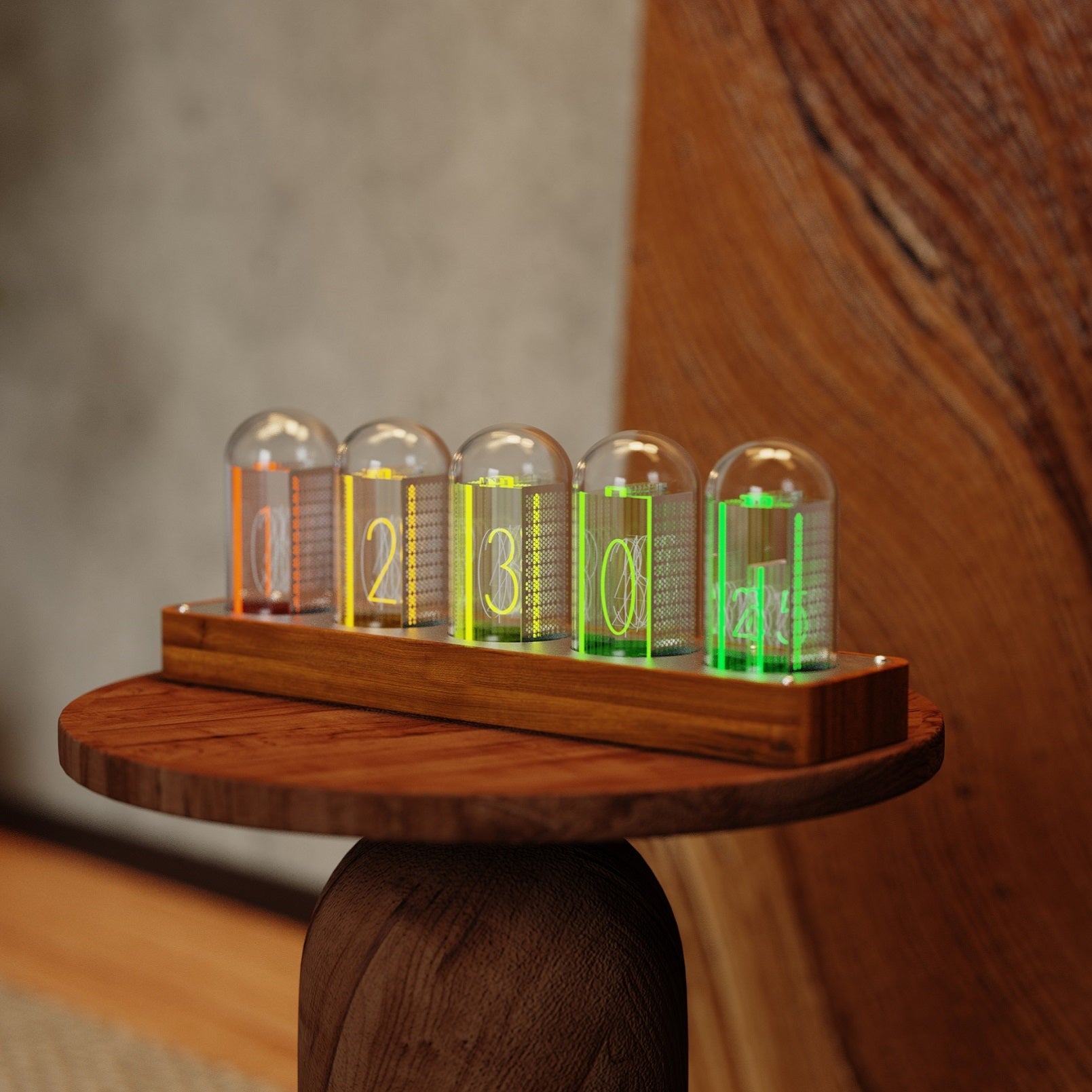
Five layered displays · Walnut base
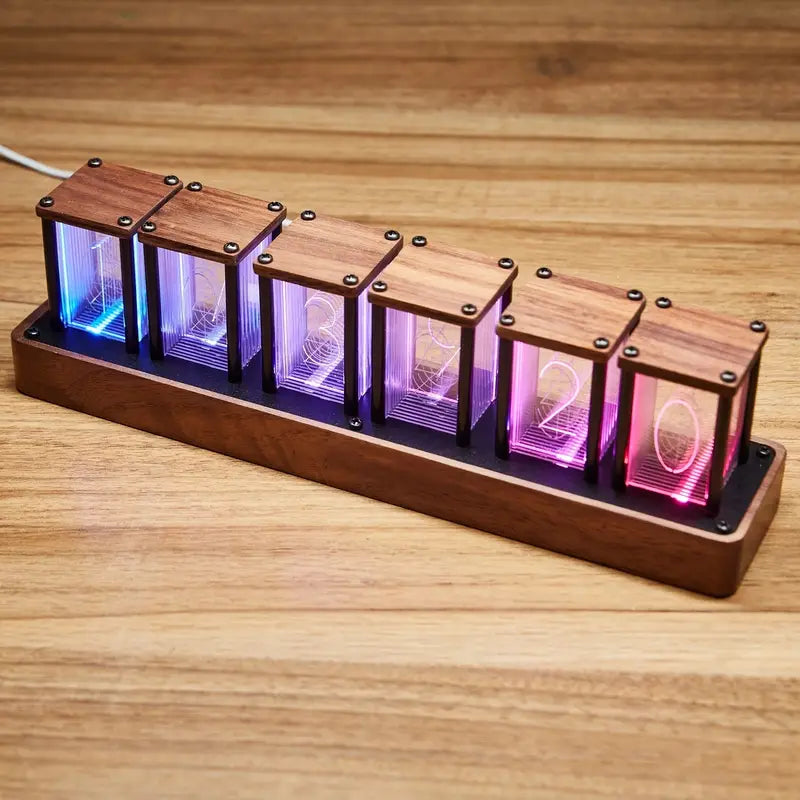
6 digits · Wi-Fi time sync

Mechanical display · Quiet movement

Transparent display · Climate sensing

720 ml tank · Full-color mist

High-CRI light · Foldable
Frequently asked questions
For ClocTeck 4-, 5-, and 6-tube clocks. Menu labels can vary slightly by firmware version.
Press and hold TIME until the clock turns blue. Short-press TIME twice to reach the red, flashing alarm setting, then set the alarm to 00:00. Newer firmware also lets you switch the alarm off from the phone control page.
After the clock starts, connect a phone or computer to the device network named ClocTeck_xxxx. The setup page usually opens automatically; if it does not, visit 192.168.18.1 in a browser. If the device hotspot asks for a password, the default is 12345678.
Open Time settings on the phone control page and select the local time zone or UTC offset. Enable Auto DST only in regions that observe daylight saving time. Keep it off in mainland China, Hong Kong, and Japan. Save and sync again; if these options are absent, update to the latest firmware first.
The clock is probably in Mode 5, the dynamic jumping mode. Short-press MODE and enter Mode 5 again to turn off the random or jumping display. You can also choose Display settings → Normal display on the phone control page.
Press and hold all four rear buttons at the same time until the clock restarts. This clears its network settings. Reconnect to ClocTeck_xxxx afterward; if prompted, the default hotspot password is 12345678.
From the normal clock display, press and hold ▼ to switch between 12-hour and 24-hour time.
Yes. The clock has five brightness levels. Short-press ▲ from the normal display to cycle through them.
Yes. Open the control page and choose English in the upper-right corner. The control may look slightly different between firmware versions.
Sales and support
Ask about a product, an existing order, HoloCubic availability, or a business collaboration.
sales@clocteck.com ↗