
01
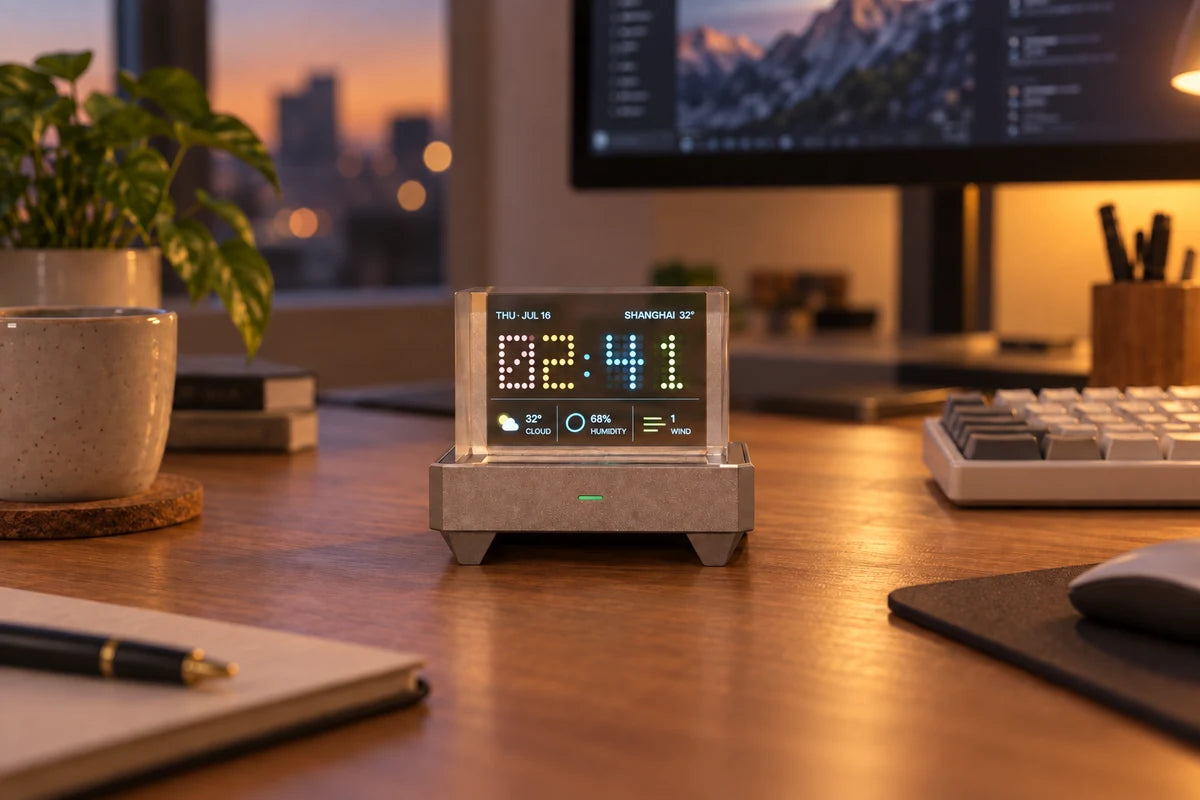
Clock, weather, and date
Sync time and weather over the network and keep common desktop information on one screen.
Transparent display · Open app platform
HoloCubic is a 3.2-inch transparent desktop display for clocks, weather, music, PC status, photos, and games. Tilt gestures and the Home button handle its everyday controls.
Tilt controls · Wi-Fi · USB-C
Desktop uses
Install a different app to move between everyday information, PC monitoring, photos, music, and games.
Sync time and weather over the network and keep common desktop information on one screen.
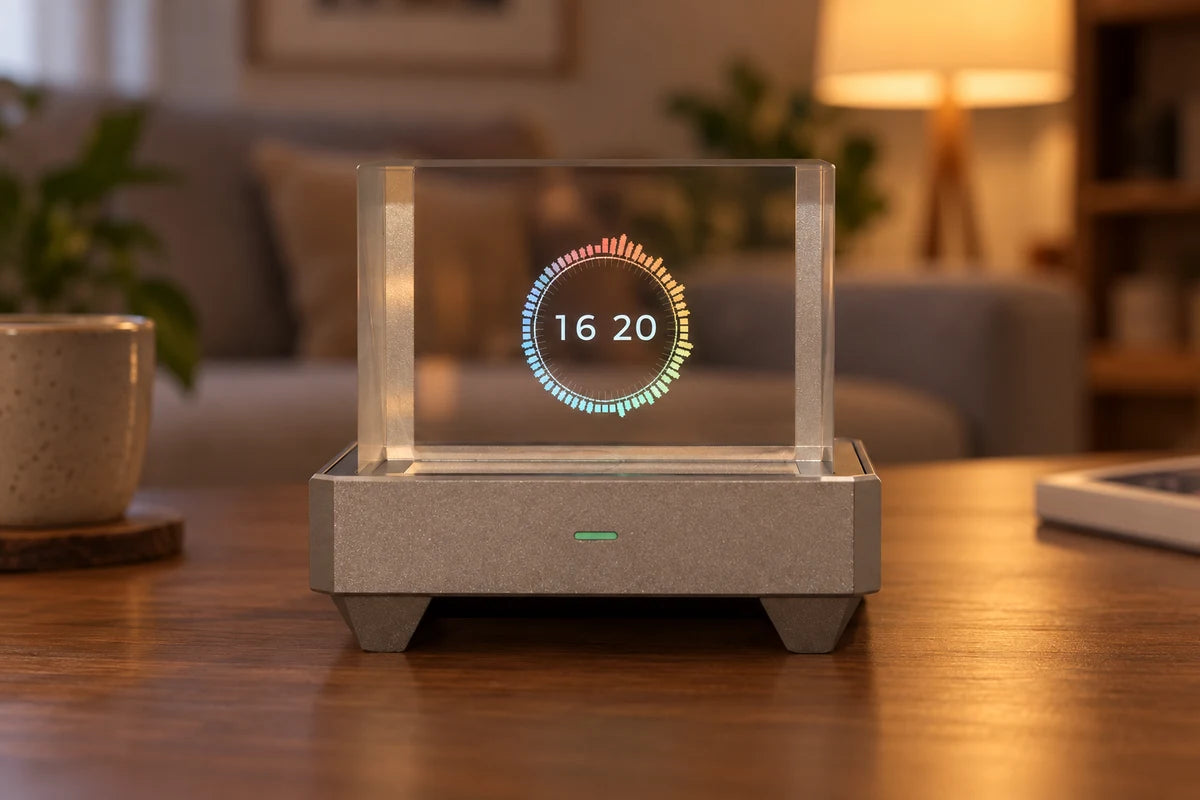
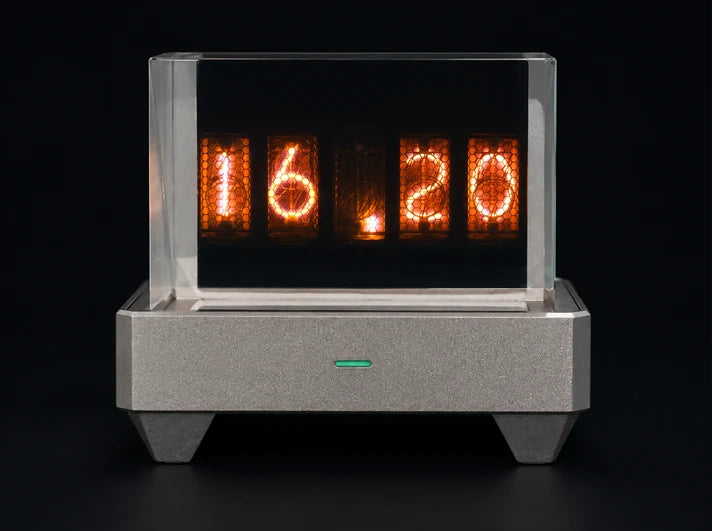
Retro digits or colorful rings. Find a clock face that makes your desk feel a little more like you.
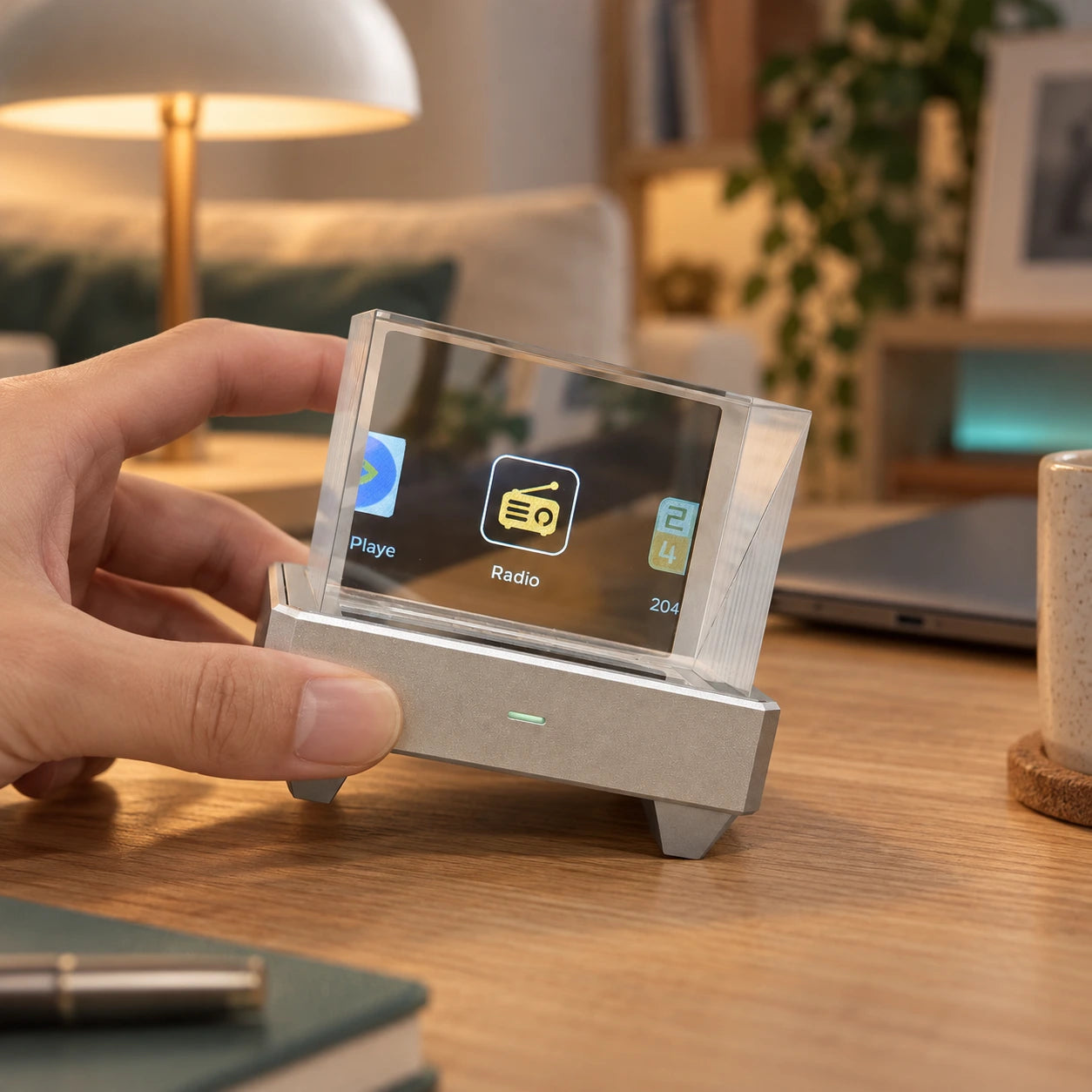
System and controls
Tilt left or right to change apps, then tilt back and hold to enter. Press Home to leave the current app. Wi-Fi and Bluetooth connect online information, desktop services, and nearby devices.
With vibe coding
Make your desk your own.
Start with an idea. Use AI coding tools and the HoloCubic SDK to build a desktop app of your own.

Share the joy of creating.
Start buildingCubic Apps
From everyday information to desktop entertainment. Find your favorites.
Make time part of the scenery.

Retro gaming

Weather at a glance

Market dashboard

Number puzzles

Voice interaction

A world of blocks

PC system monitoring

Codex status monitoring

Audio visualization
Illustrative screens; actual device output may vary. Some apps require a network connection, a computer, or external services.
Cubic Store
Weather, clocks, games, and desktop tools. Pick what makes it yours.

Merge numbers. Beat your best.

A multi-market dashboard

Classic games, ready to explore

Explore a world of blocks

Monitor Codex session status

Local videos with sound
HoloCubic
80 × 55 × 70 mm · Width × Depth × Height
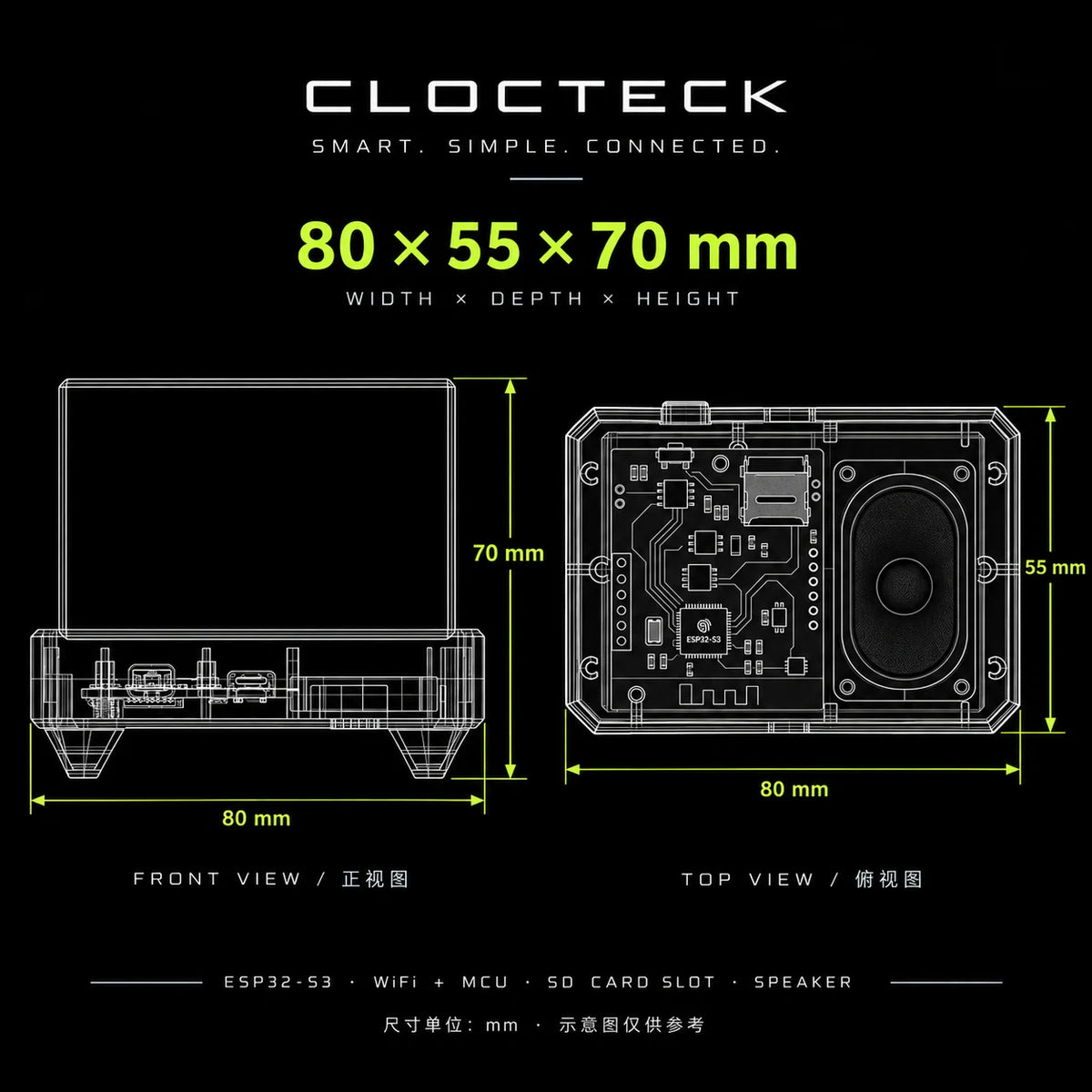
HoloCubic
The app directory lists current software. The developer page explains app packages, Lua, LVGL, and the public C ABI.