
Featured apps · 01
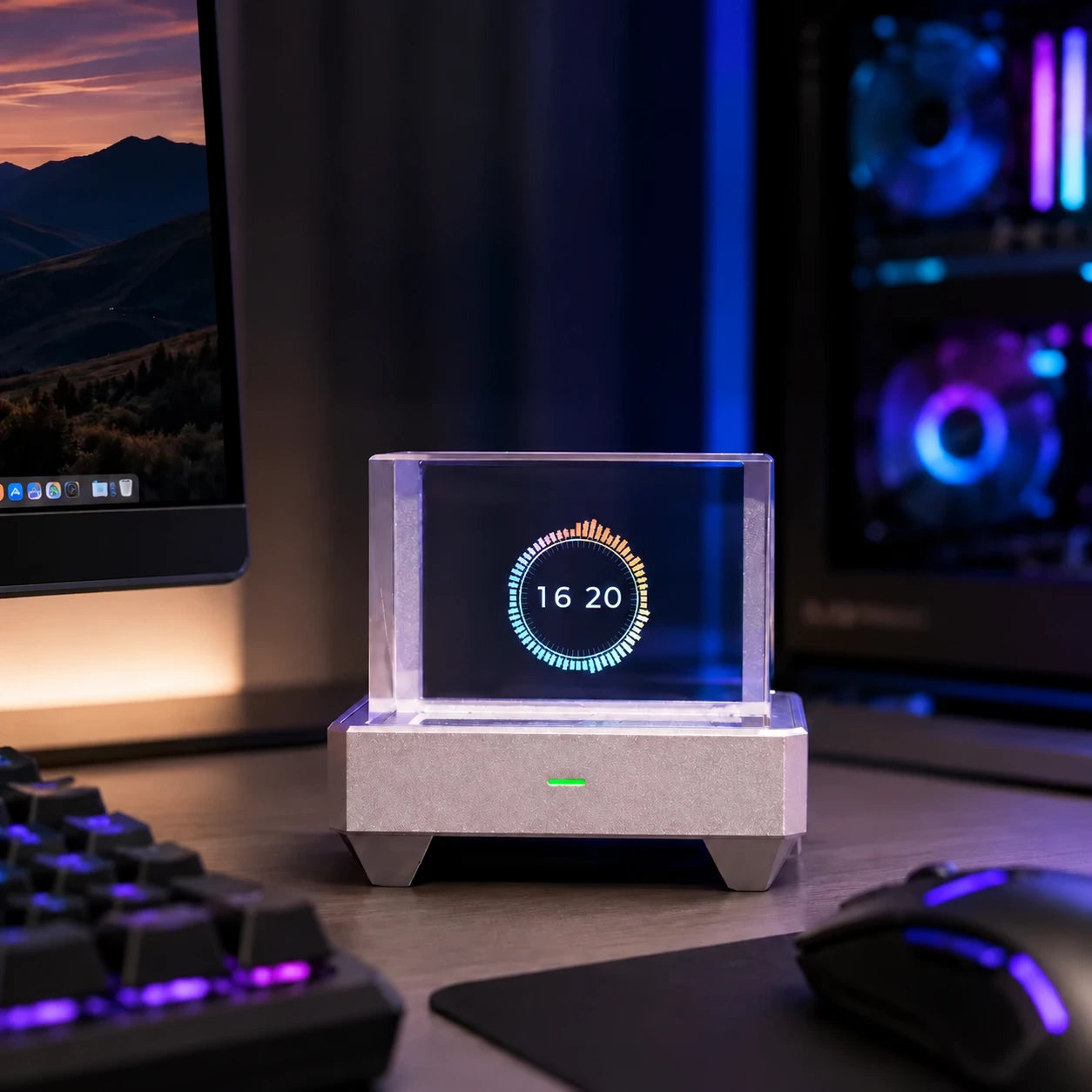
Spectrum
Captures audio and renders a real-time ring spectrum animation
App directory
Clocks, games, music, and desktop tools. Find your next app in Cubic Store, with icons, names, and descriptions from the device app store.
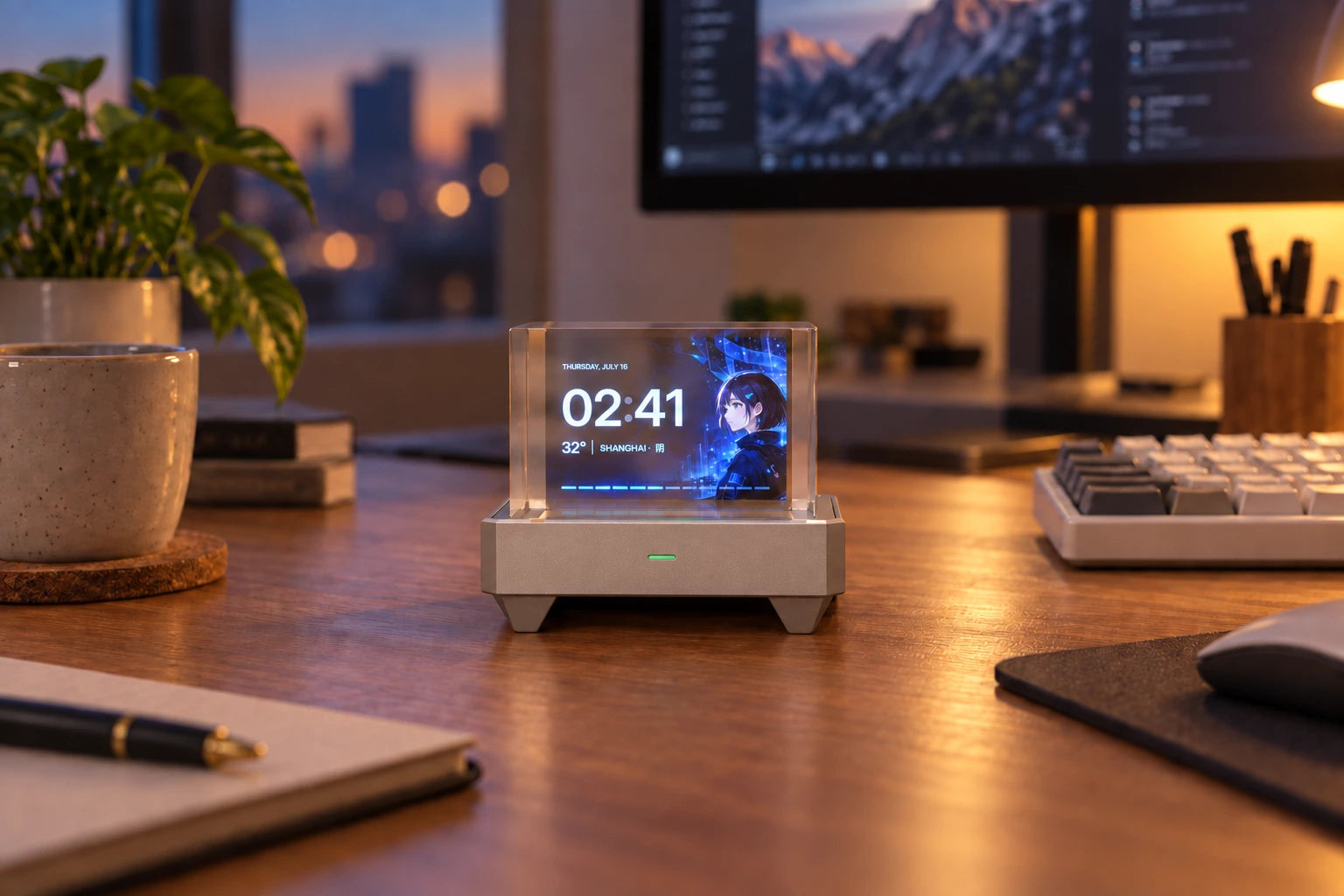


Featured apps
Spectrum, PC Monitor, and Retro-Go bring music visuals, live system data, and retro games to your desk.
Captures audio and renders a real-time ring spectrum animation
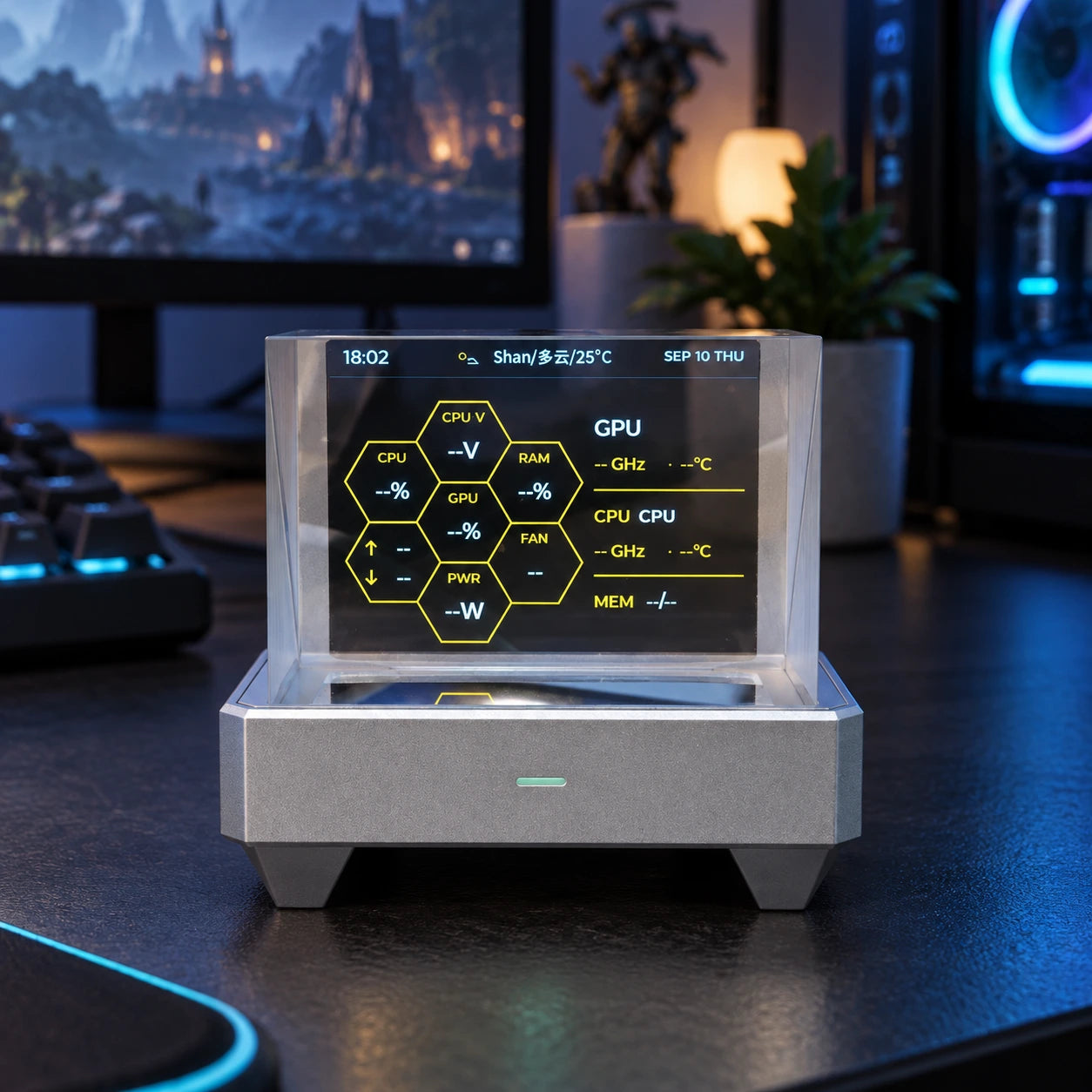

CPU, GPU, temperatures, clocks, and trends.
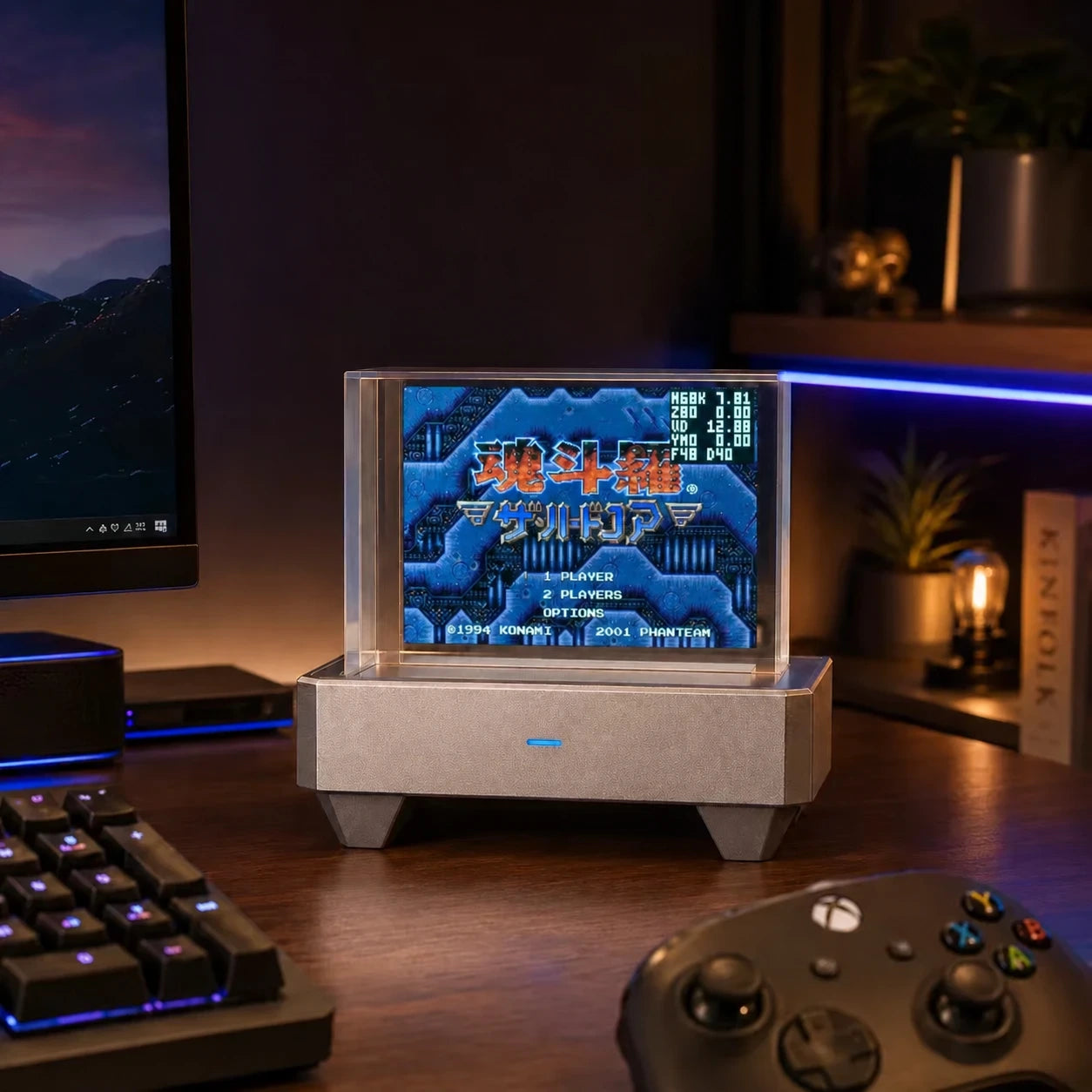
Runs NES, GB/GBC, MD/Genesis, SMS, GG, ColecoVision, PCE, and other retro game cores on HoloCubic
APP LIBRARY
32 / 32 available
 Tools
ToolsMove and merge matching number tiles to reach a higher score
ToolsSearchable multi-market quotes with SD directories and saved settings
 Tools
ToolsRuns an evolving cell grid with a subtle clock overlay
 Tools
ToolsShows time and animated decoration with a dot-matrix fluid effect
 Tools
ToolsDisplays a full-screen green code rain effect
ToolsA multi-face desktop clock with weather, lunar phases, memos, fireworks, and classic nixie displays
ToolsCaptures audio and renders a real-time ring spectrum animation
 Tools
ToolsDynamically renders AIDA64 RemoteSensor 320x240 LCD layouts and live sensor data
 Tools
ToolsManages SD files and apps, runs code, and provides device debugging APIs
 Tools
ToolsLow-memory EPUB/TXT reader with browser-side image conversion, illustrated pages, persistent contents and saved progress
Manages connection, calibration, and button mapping for Xbox, Q34, Q36, and other BLE controllers
ToolsRuns NES, GB/GBC, MD/Genesis, SMS, GG, ColecoVision, PCE, and other retro game cores on HoloCubic
ToolsShows CPU, GPU, memory, temperatures, clocks, fans, and trend charts through AIDA64 RemoteSensor
 Tools
ToolsTurns HoloCubic into an AirPlay 1/RAOP audio receiver with track metadata and lyrics
HoloCubic LLM agent service with chat, device tools, WeChat integration, and lightweight memory
 Tools
ToolsShows Windows now-playing metadata, album art, progress, and synced lyrics with key-based playback controls
 Tools
ToolsShows live Codex work state, session details, and the next eight hours of weather on HoloCubic
 Tools
ToolsLauncher 1.30 improves Wi-Fi provisioning disconnect handling while preserving in-place app state updates.
 Tools
ToolsExplore randomly generated islands, remove or place blocks, and save worlds and settings on the SD card
 Tools
ToolsPlays 320x240 MJPEG-AVI with audio; esp_new_jpeg decodes directly into two LVGL image slots with no full-frame copy.
ToolsPlays MP3 and WAV files from /sd/mp3 with lyrics, Web management, and EQ tuning
 Tools
ToolsMirrors a PC screen to the 320×240 display over LAN WebSocket with built-in Web connection setup
 Tools
ToolsPlays photos stored on the device
 Tools
ToolsPilot a plane, dodge bullets, and defeat enemies and bosses
 Tools
ToolsInternet stations, two-band EQ, multilingual control and station management
 Tools
ToolsAdjusts Wi-Fi, Bluetooth controllers, and screen brightness
 Tools
ToolsShows local time, lunar date, live weather, monthly calendar, and three memos on one screen
 Tools
ToolsPlays GIF animations stored on the device
 Tools
ToolsShows current weather, time, and a three-day forecast
 Tools
ToolsSupports device hotspot and PC USB serial provisioning, then shows device controls after connection
ToolsConnects to official or self-hosted Xiaozhi servers with voice chat, device MCP, and emoji UI
 Tools
ToolsManages background resources and inter-process communication for the Xiaozhi voice assistant
Install apps under /sd/apps/{app-id}. Upload files and rescan apps from the device management page.