
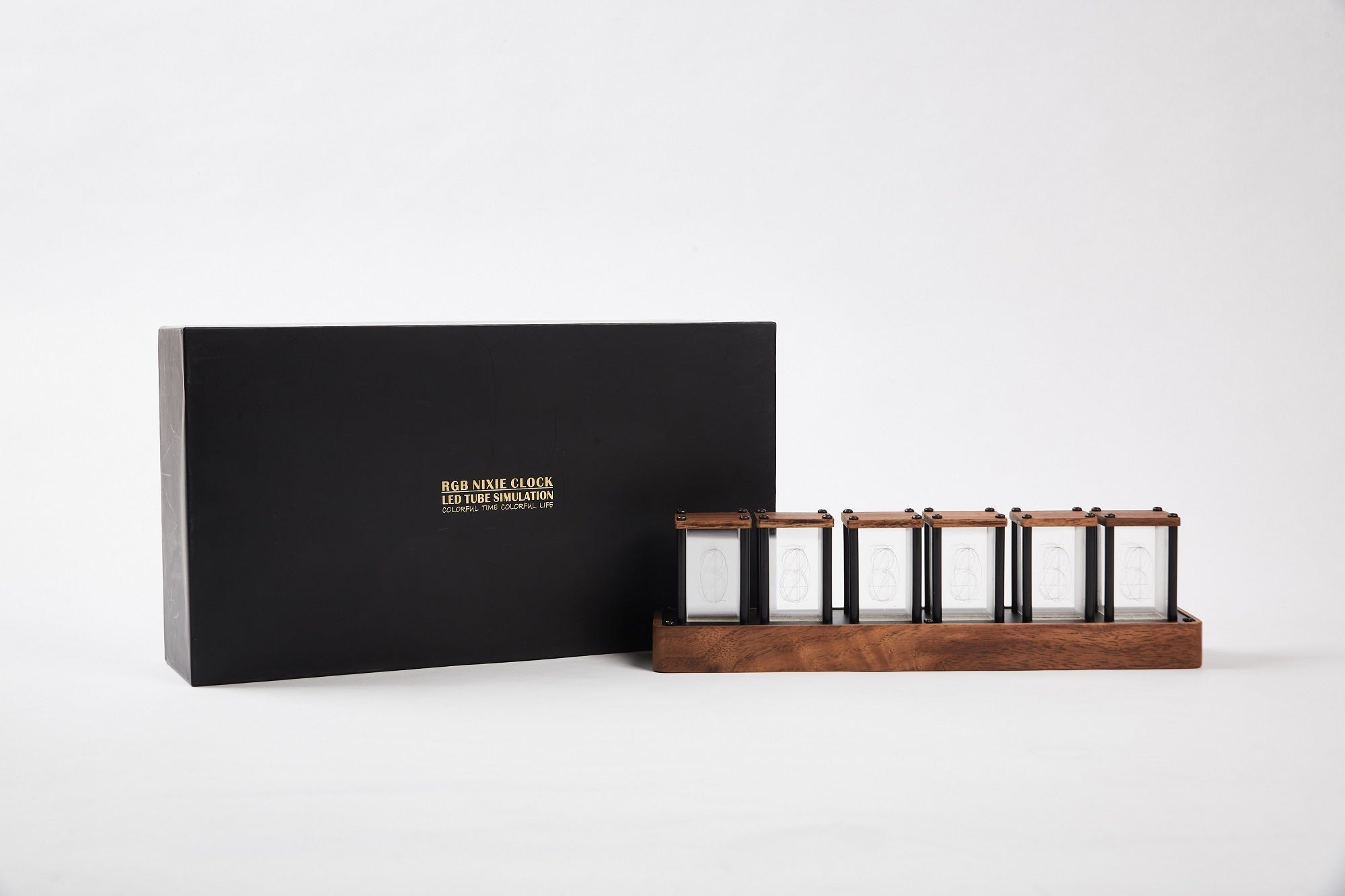
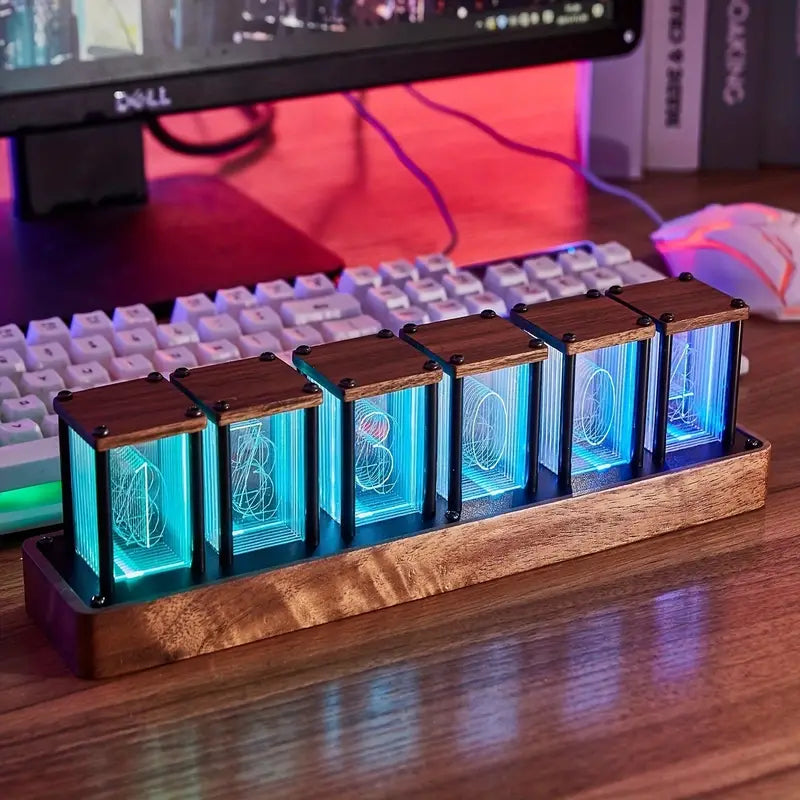
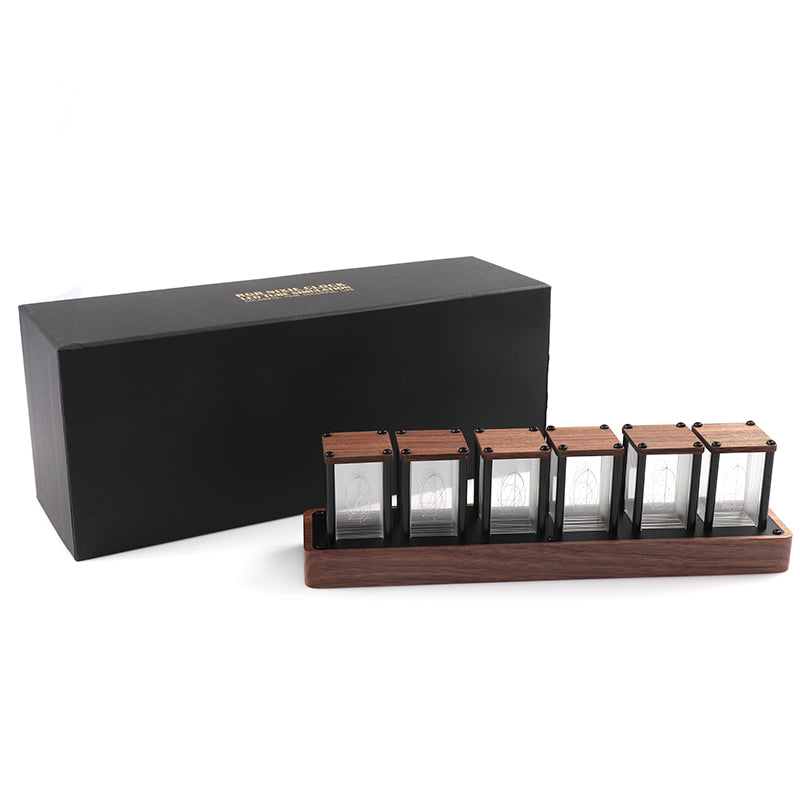
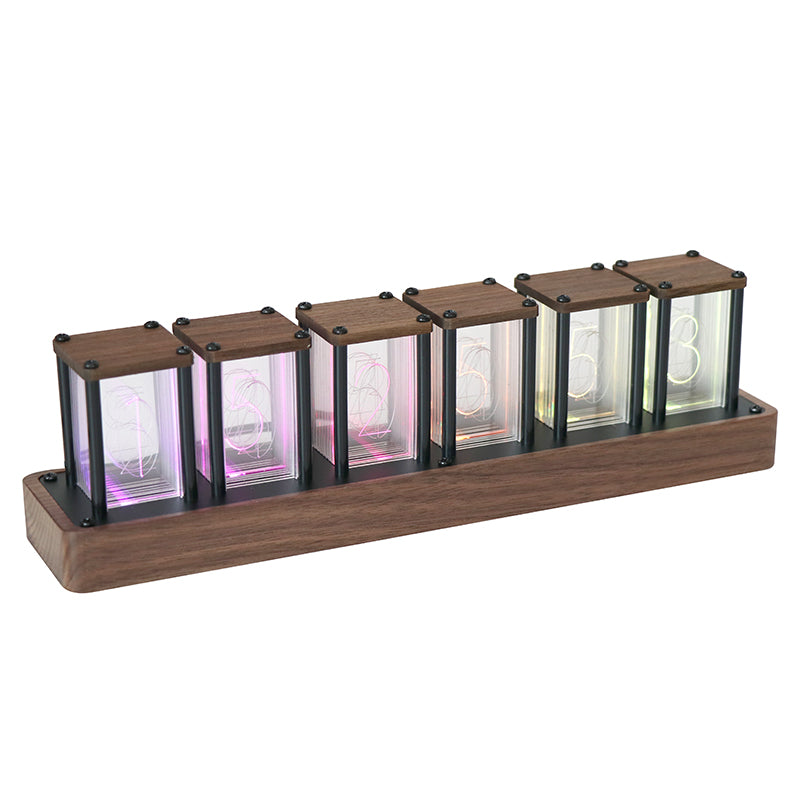
WiFi LED Nixie Tube Clock — 6-Digit RGB Display

Regular price$75.90

LED Nixie-style display, not gas-discharge tubes Shipping calculated at checkout

Compare 4, 5, and 6 Tube clocks

Five product highlights

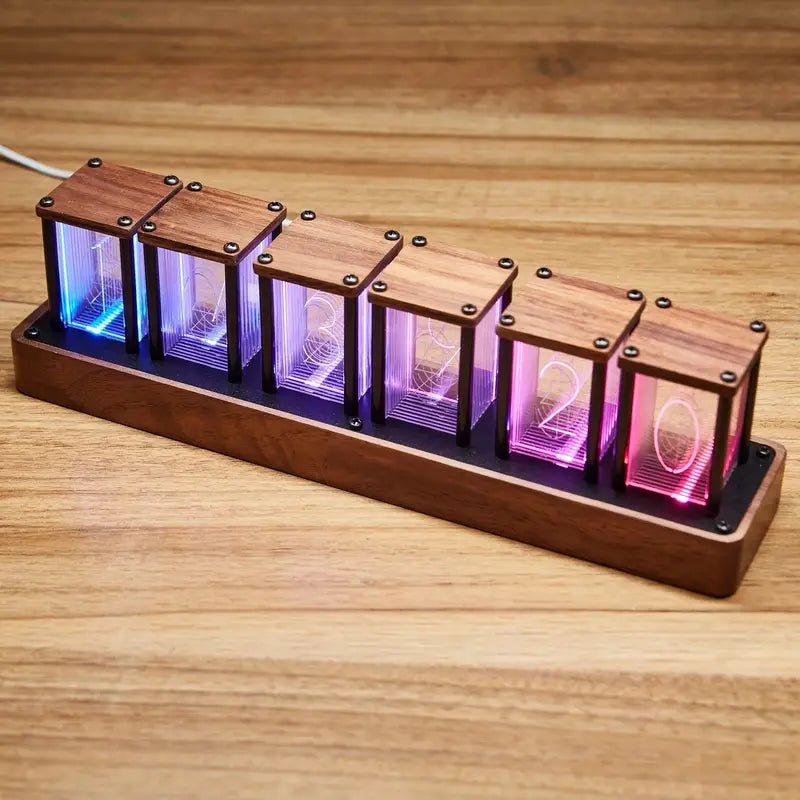
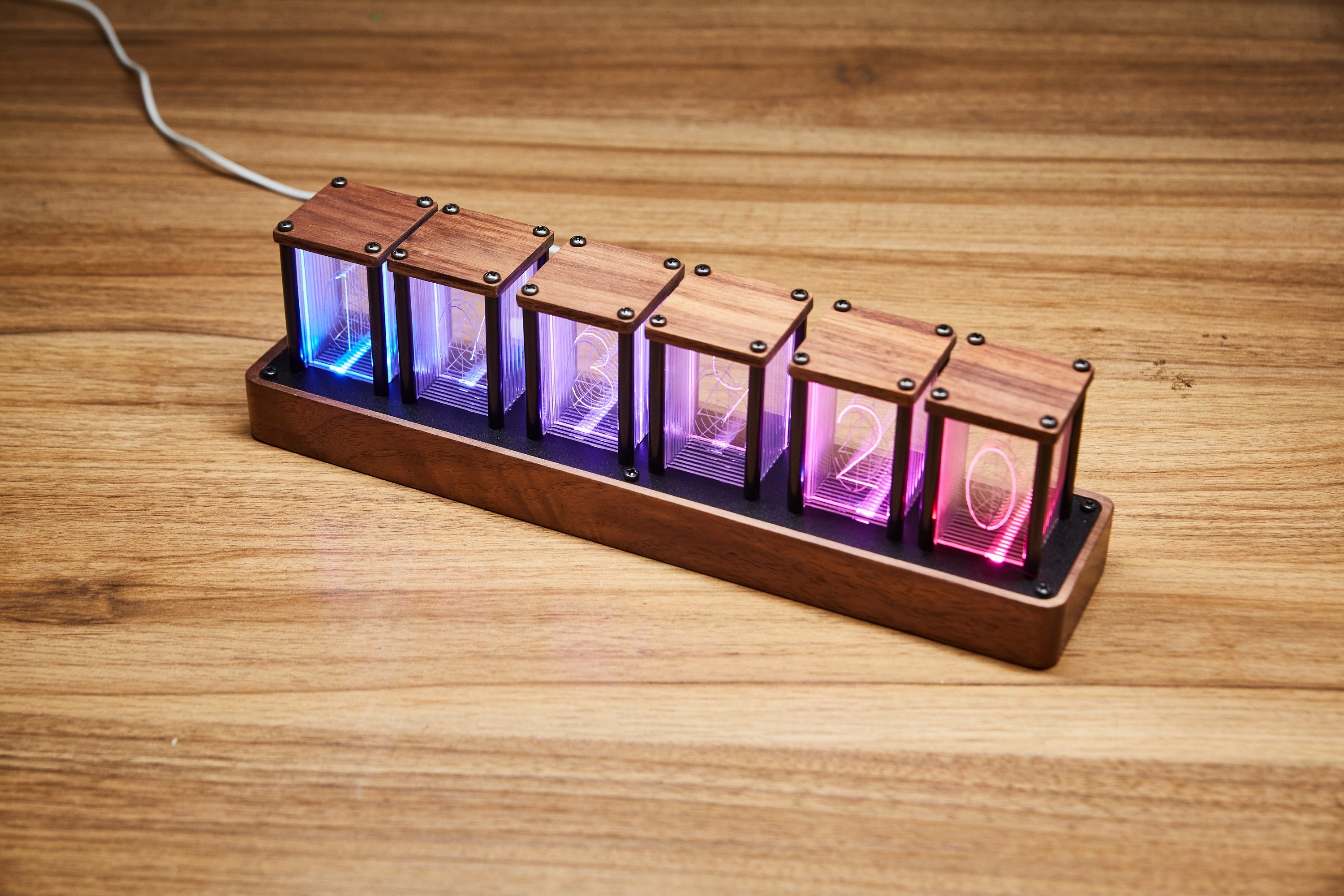
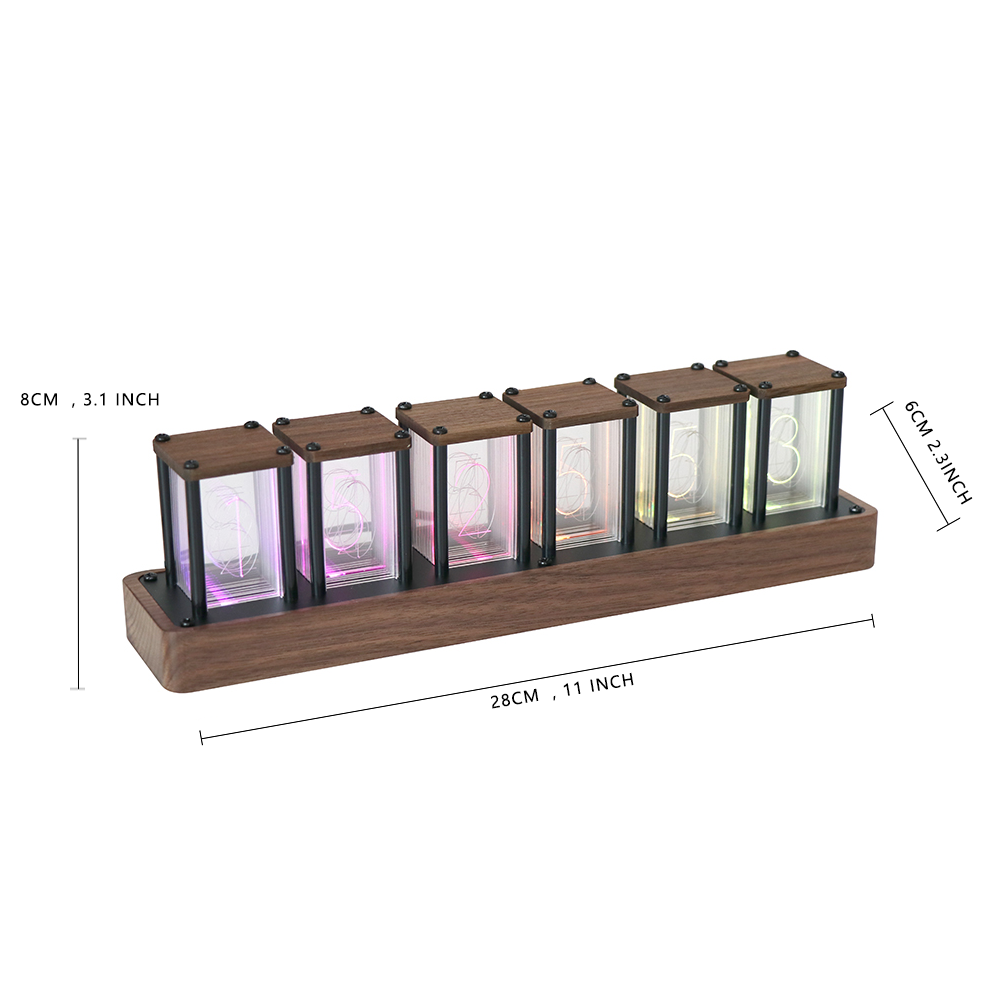
This six-digit WiFi LED nixie tube clock shows hours, minutes, and seconds across a long wooden base, adding clear RGB time to work, gaming, and studio desks.

  • 01

    A full six-digit display keeps hours, minutes, and seconds visible together for time-aware work, studios, desks, and display shelves.

  • 02

    WiFi time sync and phone control set the time automatically and let you adjust RGB colors, modes, and everyday settings from a phone or computer.

  • 03

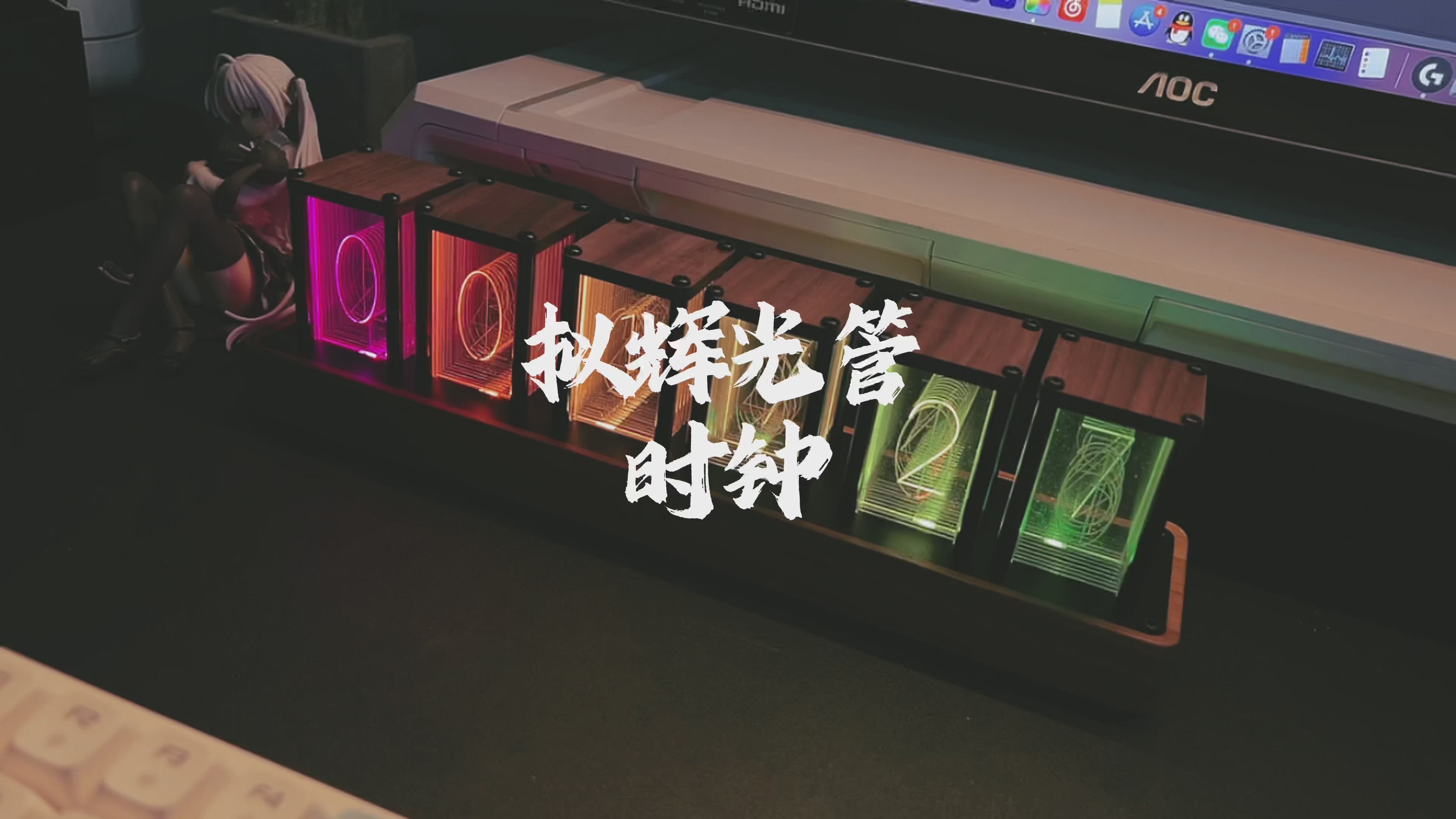
    Custom RGB lighting includes single-color, breathing, rainbow, and flowing effects, from a restrained clock face to vivid gaming desk decor.

  • 04

    Alarm, timer, 12/24-hour display, and five-level brightness provide practical control for reminders, focus sessions, and nighttime viewing.

  • 05

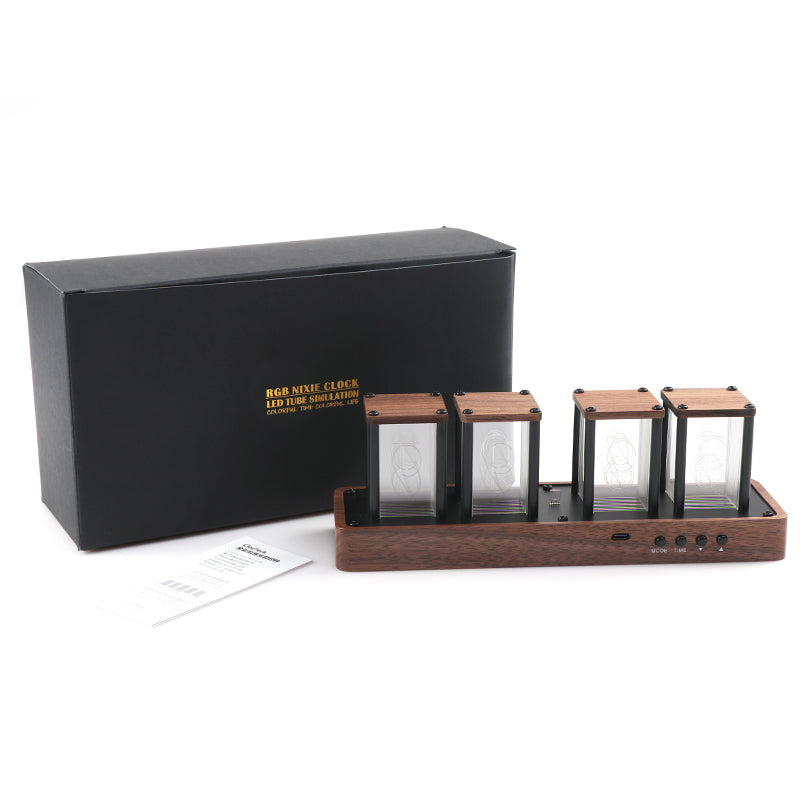
    Ready to use with no assembly: connect USB-C to a stable 5V/1A power supply and start the clock.

01 · DELIVERY

Ships from China Warehouse

Orders dispatch from China Warehouse. Your actual shipping rate is shown at checkout for the delivery destination.

View shipping policy ↗
02 · RETURNS

30-day return request window

Contact us within 30 days of delivery before sending anything back. Approved instructions and the return address are provided by email.

View returns and refunds ↗
03 · WARRANTY

One-year limited warranty

Manufacturing defects are covered for one year from delivery. Email sales@clocteck.com with your order number and product model.

04 · PAYMENT

Secure card payment

Visa, Mastercard, Maestro, Diners Club, Discover, and American Express are supported. Full card numbers are processed by payment providers.

Customer feedback on Amazon

What customers say about the ClocTeck RGB tube clock series

4.8/5
Amazon + Temu average rating 3 selected 5-star reviews
Checked August 11, 2026
★★★★★

Still a favorite after about two years, with praise for timekeeping, easy setup and continuing firmware improvements.

B***B Amazon reviewer · May 10, 2026
★★★★★

Two were purchased—one as a gift—with the colorful display and living-room presence standing out.

D***r Amazon reviewer · Mar 19, 2026
★★★★★

The design, packaging and phone controls for color and display mode all earned praise.

R***m Amazon reviewer · Nov 26, 2025

The 4.8 figure is ClocTeck’s supplied cross-platform average for the 4-, 5-, and 6-tube RGB clock series across Amazon and Temu, recorded August 11, 2026. The three selected positive Amazon reviews are series-level feedback faithfully paraphrased for length, not a separate score for each model. Experiences and platform ratings can change.

Read all reviews on Amazon

Buying guide

LED nixie tube clock buying guide

Compare compact RGB LED clocks, sculptural wooden digital clocks, and full six-digit WiFi clocks by display, desk space, and control.

Explore all LED nixie tube clocks
What display technology does it use?

Layered clear numeral panes and RGB LEDs create the display; it does not use traditional gas-discharge Nixie tubes.

Should I choose a four-, five-, or six-digit clock?

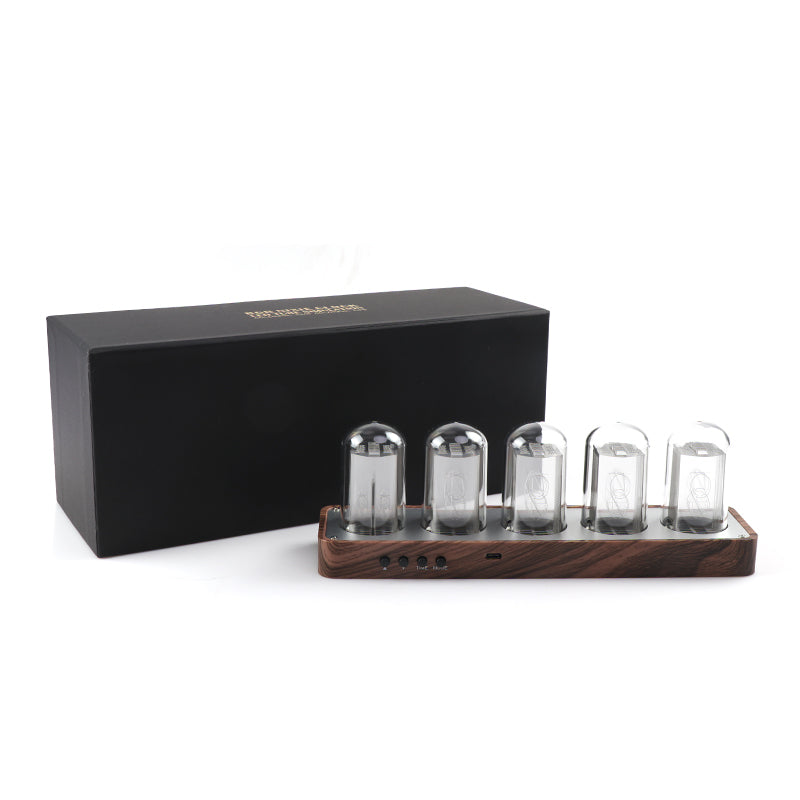
Four digits keep hours and minutes compact; six digits add seconds. The five-digit wooden clock puts more emphasis on individual displays and sculptural desk presence.

Does it work as gaming desk or retro futuristic decor?

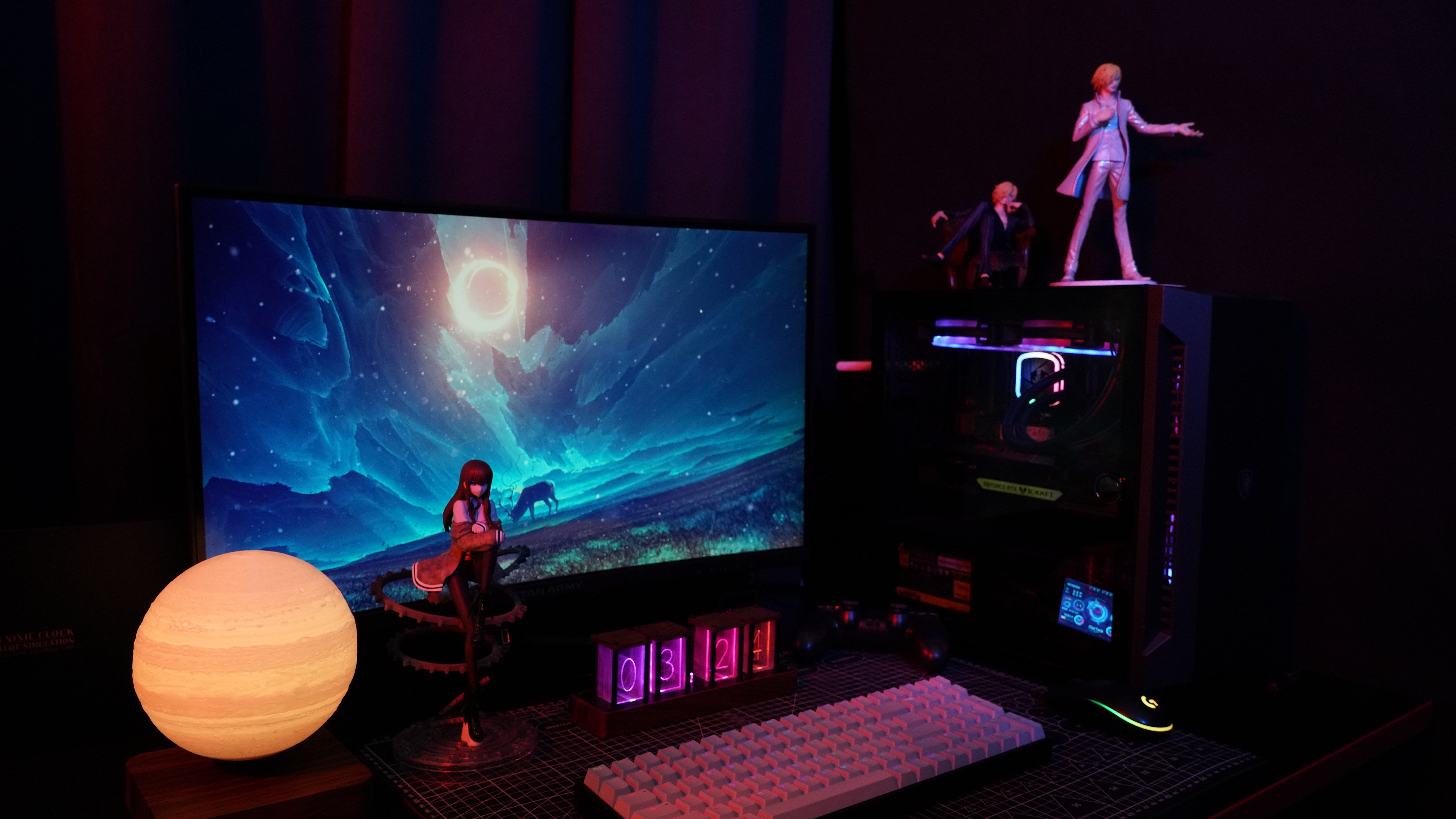
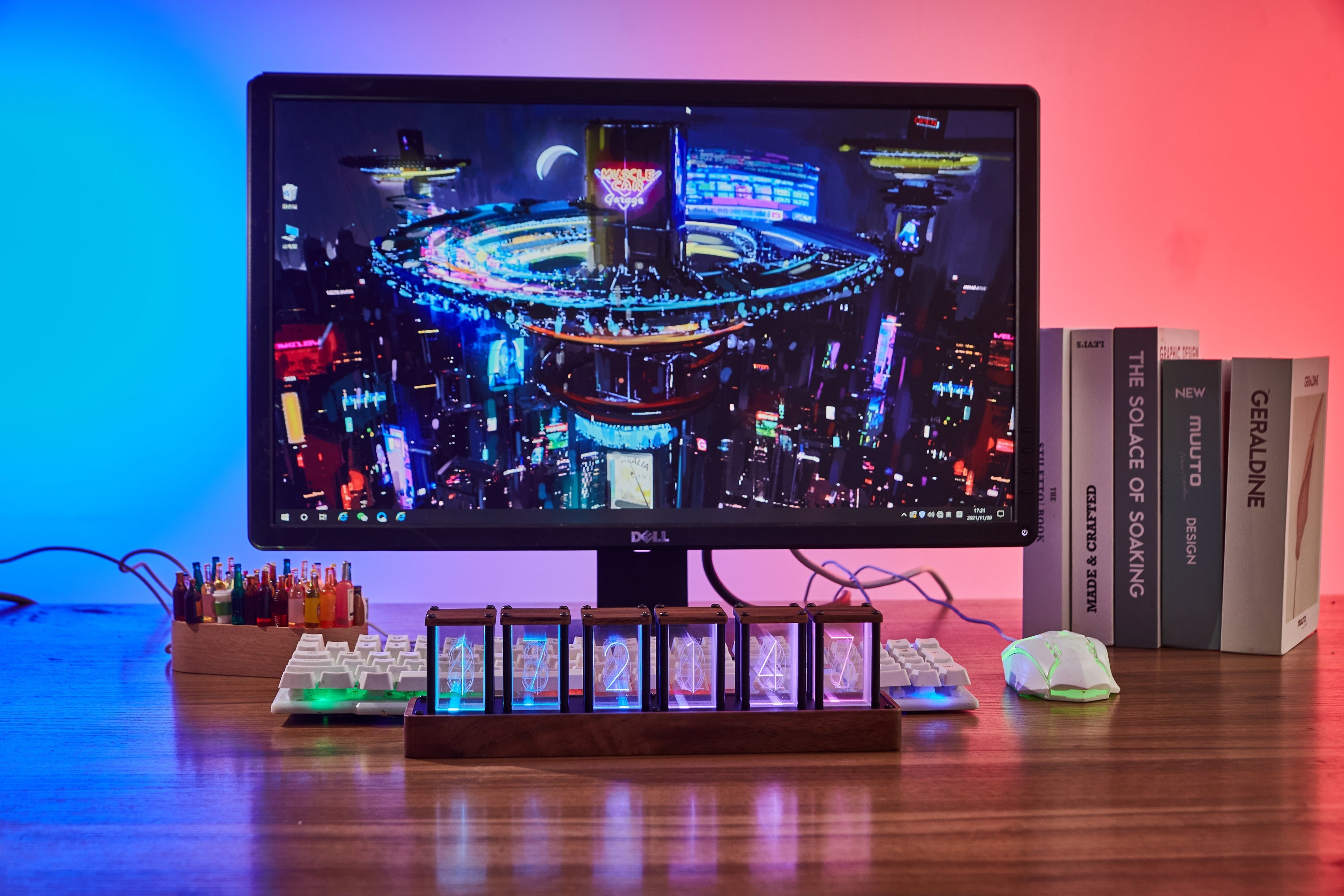
Adjustable RGB light, a wooden base, and readable numerals make a useful focal point for gaming rooms, computer desks, studios, shelves, and stream backgrounds.

Frequently asked questions

RGB tube clock quick help

For ClocTeck 4-, 5-, and 6-tube clocks. Menu labels can vary slightly by firmware version.

How do I disable the alarm?

Press and hold TIME until the clock turns blue. Short-press TIME twice to reach the red, flashing alarm setting, then set the alarm to 00:00. Newer firmware also lets you switch the alarm off from the phone control page.

How do I connect Wi-Fi or open the phone control page?

After the clock starts, connect a phone or computer to the device network named ClocTeck_xxxx. The setup page usually opens automatically; if it does not, visit 192.168.18.1 in a browser. If the device hotspot asks for a password, the default is 12345678.

How do I set the time zone and daylight saving time (DST)?

Open Time settings on the phone control page and select the local time zone or UTC offset. Enable Auto DST only in regions that observe daylight saving time. Keep it off in mainland China, Hong Kong, and Japan. Save and sync again; if these options are absent, update to the latest firmware first.

How do I stop the random or jumping display?

The clock is probably in Mode 5, the dynamic jumping mode. Short-press MODE and enter Mode 5 again to turn off the random or jumping display. You can also choose Display settings → Normal display on the phone control page.

How do I reset the clock?

Press and hold all four rear buttons at the same time until the clock restarts. This clears its network settings. Reconnect to ClocTeck_xxxx afterward; if prompted, the default hotspot password is 12345678.

How do I switch between 12- and 24-hour time?

From the normal clock display, press and hold ▼ to switch between 12-hour and 24-hour time.

Can I adjust the display brightness?

Yes. The clock has five brightness levels. Short-press ▲ from the normal display to cycle through them.

Does the phone control page support English?

Yes. Open the control page and choose English in the upper-right corner. The control may look slightly different between firmware versions.