
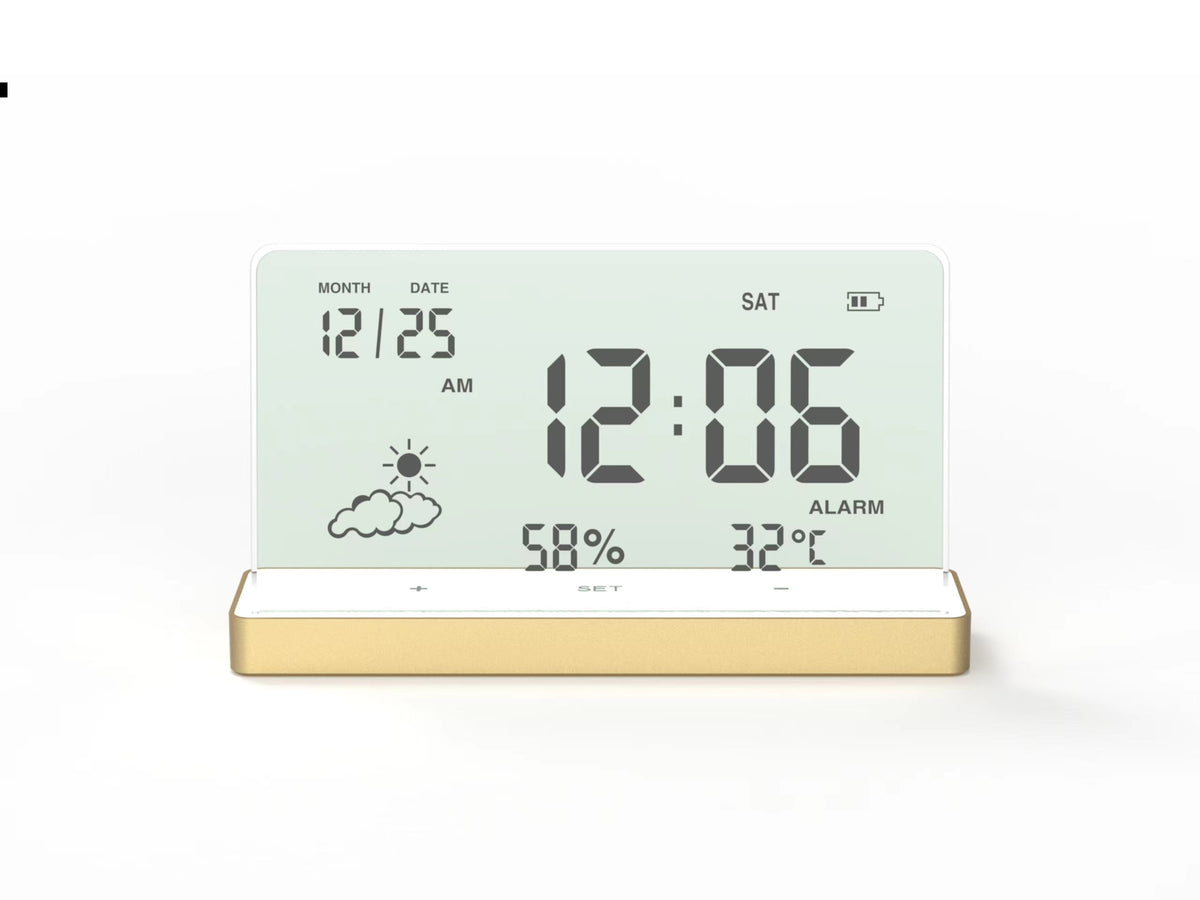
A transparent LCD desk clock borrows its background from the room. An hour digit can look crisp against a pale wall and nearly disappear against a dark object on the same shelf. Before you choose a spot, hold a sheet of plain light-colored paper behind the clock and read it from your usual seat.

Use the paper test to choose a background
- Start with one plain surface. Place the clock in front of the sheet, with light falling on it from the room. Check whether you can read both the time and the smaller date characters.
- Remove the sheet. Look through the panel again. If a book spine, cable or shelf edge now crosses a digit, shift the clock sideways until the whole time sits against a uniform area.
- Check the view at two times of day. A window can reflect in the panel during the day; at night it may become a dark background. A matte wall is usually a more consistent starting point.
Choose the layout for the distance
ClocTeck’s clear LCD clock has a simple display and a detailed display. Long-press the minus button to switch between them. For a shelf across the desk, start with the simple layout and check it from your chair. For a bedside table within arm’s reach, try the detailed layout if you want the date, temperature and humidity alongside the time.
Buying a transparent clock for its lighting?
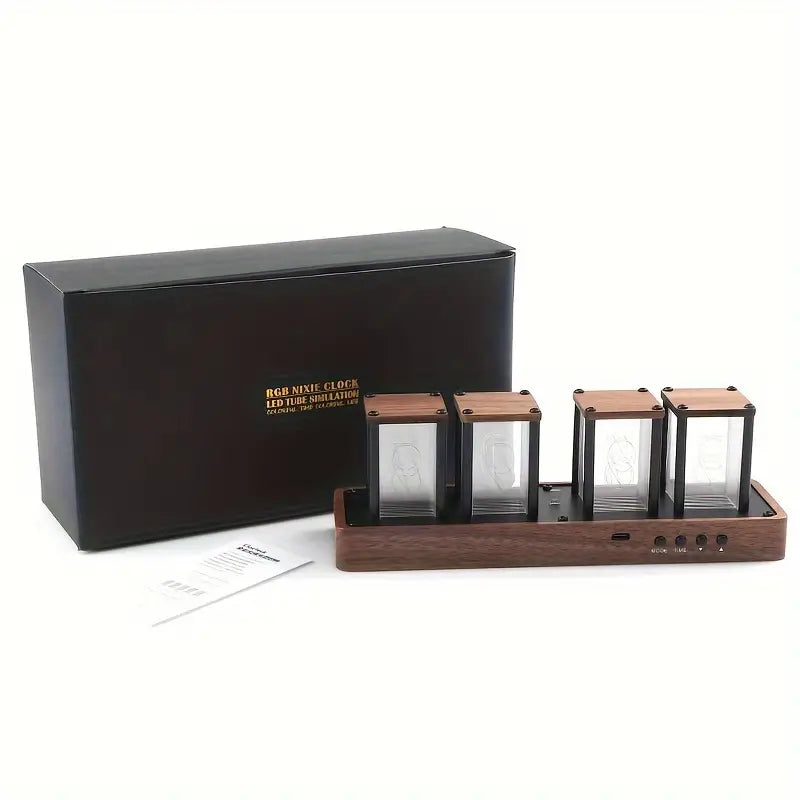
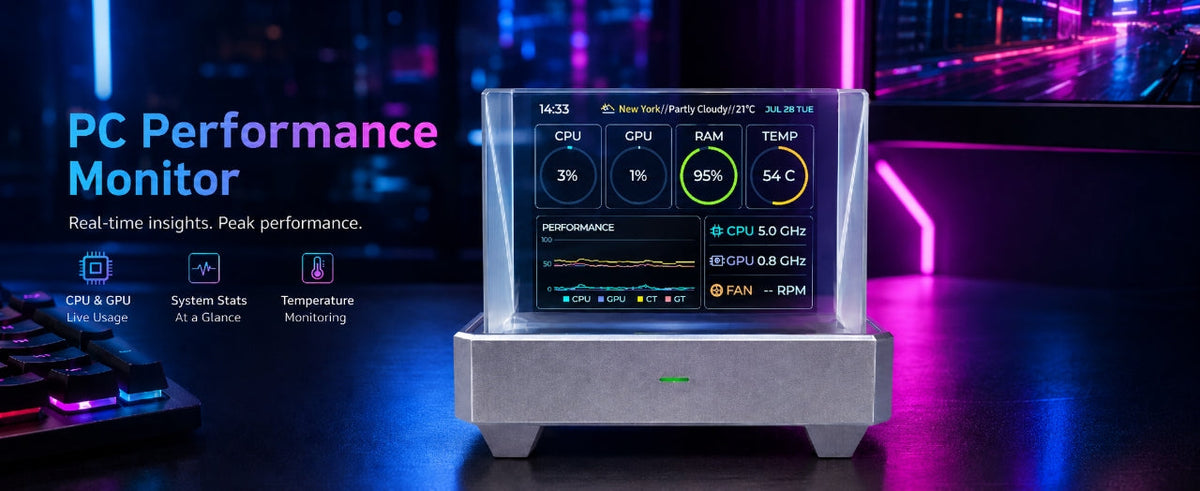
This model uses an LCD panel for its digits. If the feature you have in mind is a number glowing in a color you can change, look at the RGB clock with illuminated numeral panes. If you want pictures, animations or PC readings on a transparent prism, look at HoloCubic. All three can look transparent in a photograph, and the LCD model in this guide combines the clear clock face with three independently settable alarms.

留言
所有留言在發布前都會經過審核。
此網站已受到 hCaptcha 保護,且適用 hCaptcha 隱私政策以及服務條款。