
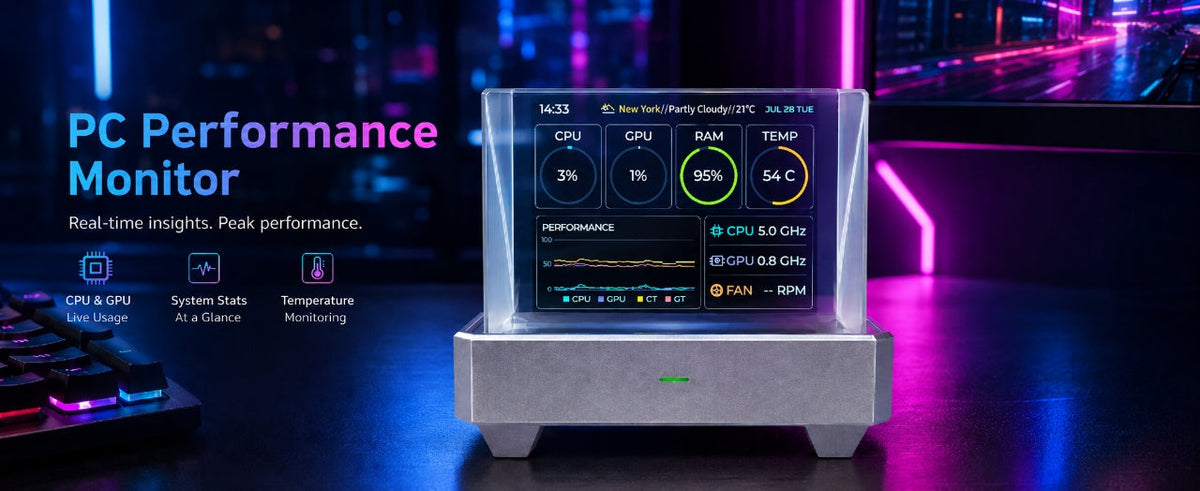
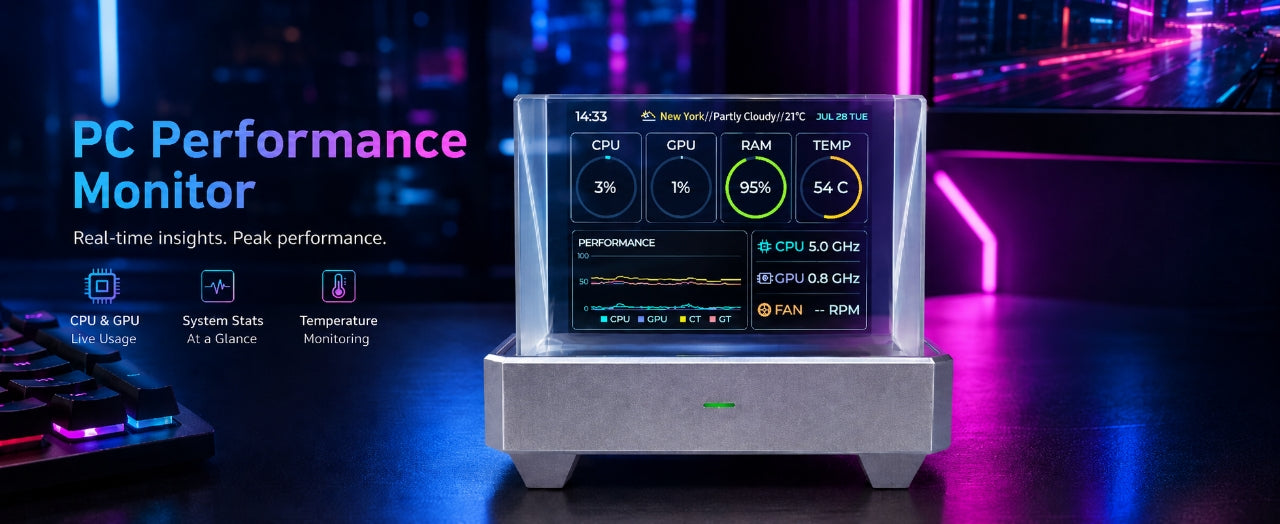
Holo PC Monitor puts CPU and GPU temperatures on the ClocTeck HoloCubic while your main monitor stays free. The app reads sensor values from AIDA64 RemoteSensor on your PC over the local network. You need a PC running an AIDA64 edition with RemoteSensor, a reachable HoloCubic and the app’s sensor-layout file.
1. Check that the PC is sending temperatures
Open AIDA64 on the PC. Under File → Preferences → Hardware Monitoring → LCD, enable RemoteSensor and note the listening port. Open the LCD items settings, import holo-aida.rslcd from the Holo PC Monitor package, and apply the changes.
In a browser on the local network, open the PC’s local address using the configured port and the path /sse. A working stream produces successive data: entries. Look for a temperature field such as GPU Temperature. Seeing a stream here establishes that the PC is exporting data before you change anything on the desk display.
2. Connect the display
If Holo PC Monitor is already installed, launch it. For manual installation, copy the contents of the app’s package directory into /sd/apps/holo_pc_monitor/ and rescan the app list. Open the app’s web control page from the HoloCubic launcher. Enter the PC’s local IP address, the RemoteSensor port and the same stream path. Select the dashboard layout you prefer.
3. Read the first values
| What you see | What to check |
|---|---|
| The browser shows no sensor stream | Check the PC address, listening port and RemoteSensor setting. Test from the same local network as the display. |
| CPU usage updates, but a temperature shows two dashes | Look for CPU Diode, CPU Temperature or CPU Package in the export. For the GPU, look for GPU Temperature or GPU Diode. The app shows dashes when it cannot obtain a usable reading. |
| Usage occasionally reads 0% | An idle component can report zero utilization. A temperature field with missing data behaves differently. |
The app also offers trend views. Once you see live readings, start a familiar task on the PC and watch the trend on the prism. That gives you a quick way to confirm you are looking at current data.
Holo PC Monitor files and sensor-layout documentation


留言
所有留言在發布前都會經過審核。
此網站已受到 hCaptcha 保護,且適用 hCaptcha 隱私政策以及服務條款。